Login
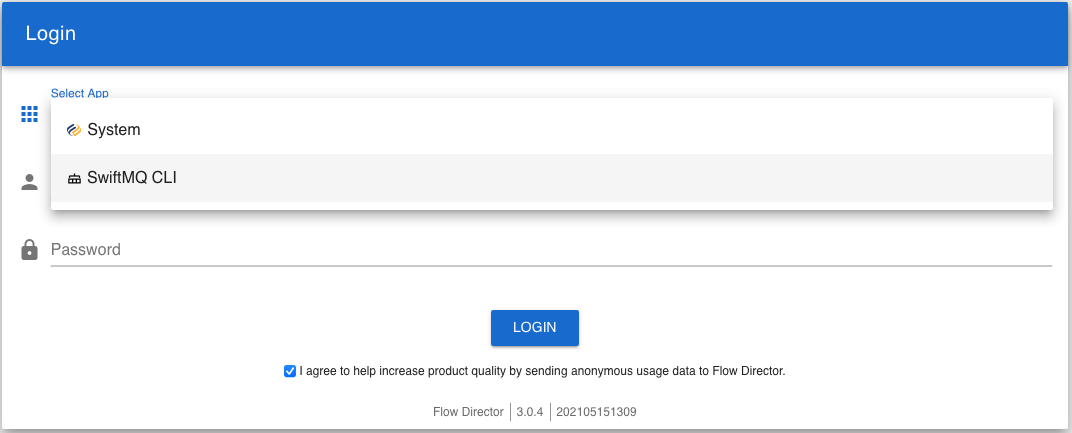
The default user is admin with password changeme.
Routers Menu
Click on the app menu and expand the Routers menu to see the connected routers:
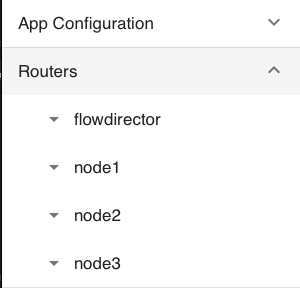
Router flowdirector is the embedded SwiftMQ router.
Each router has a CLI submenu and a CLI Shell dashboard:
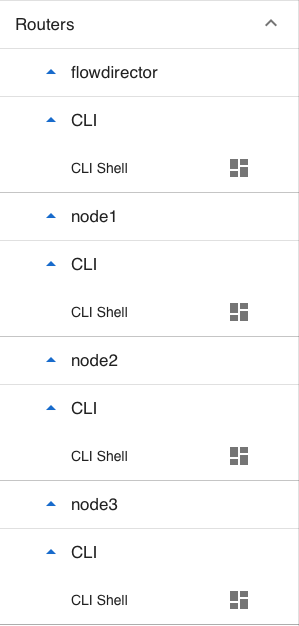
Click on the CLI Shell menu entry to launch the dashboard:
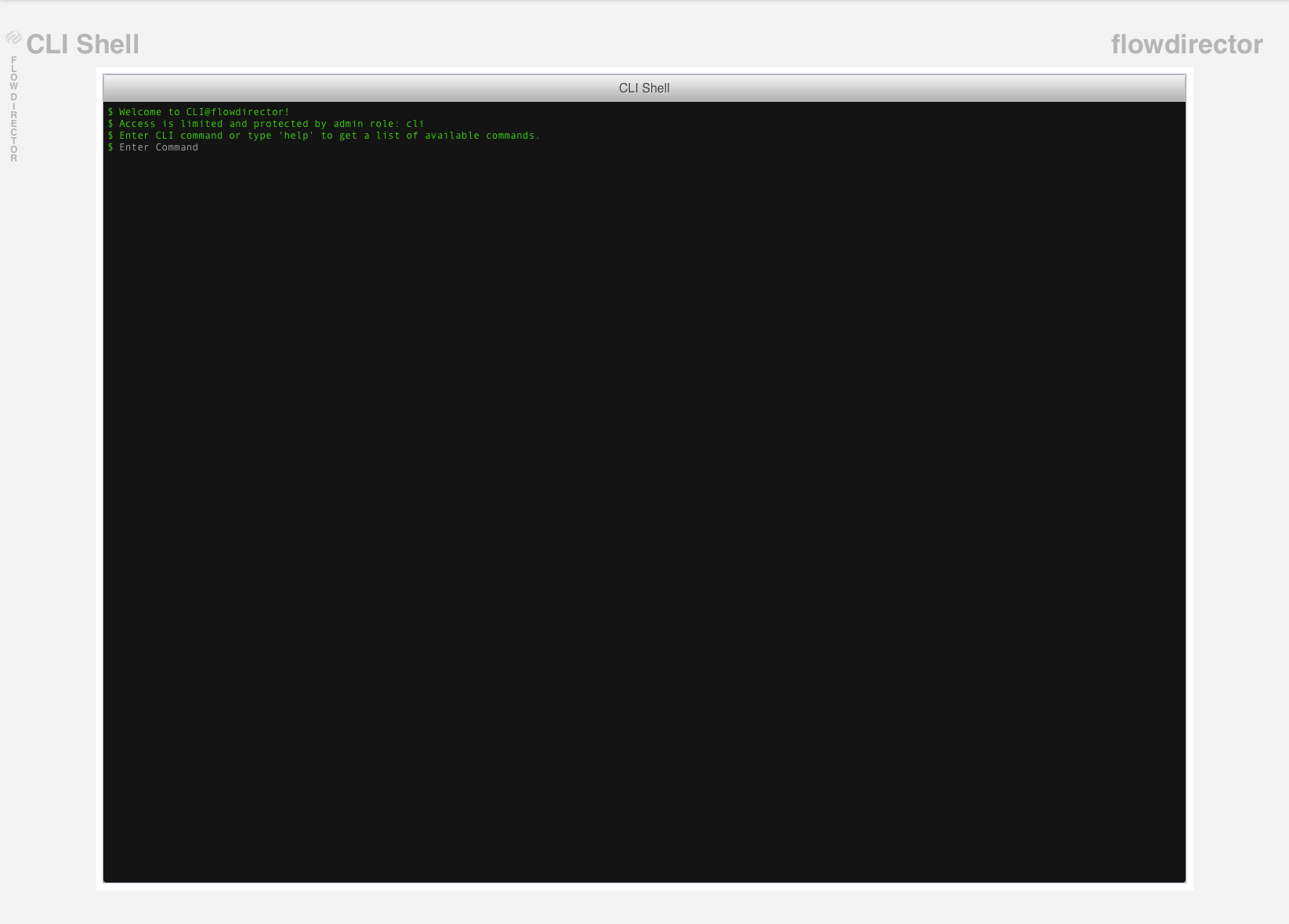
You are connected to the respective router; the name of the router is displayed in the upper right corner.
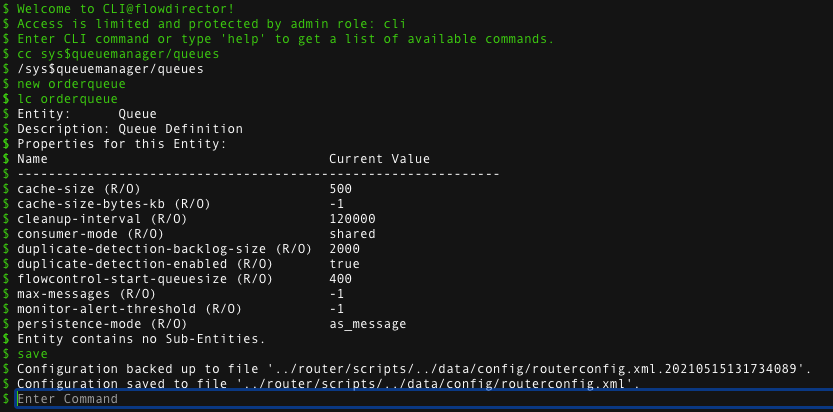
You can now perform unrestricted CLI commands on that router: