
Install Flow Director
The app requires Flow Director as runtime. Please follow these instructions to install it.
Login to System App
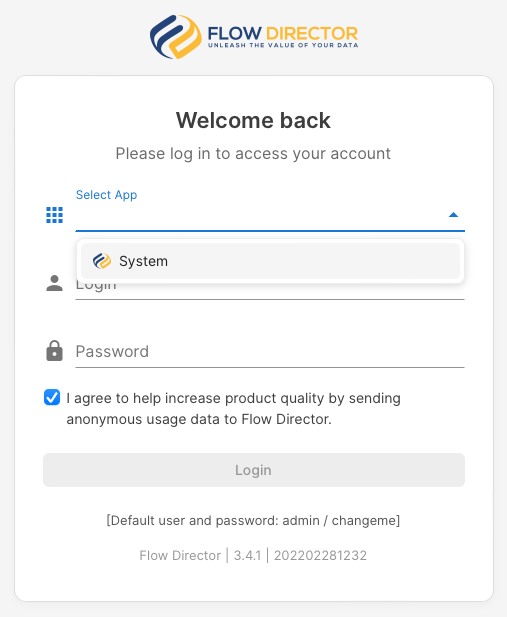
Chose System app and log in. The default username is admin, the password is changeme.
Install the App
Click on the Apps icon in the toolbar:

And select the app(s) you want to install. You can filter them by clicking on the tags above:
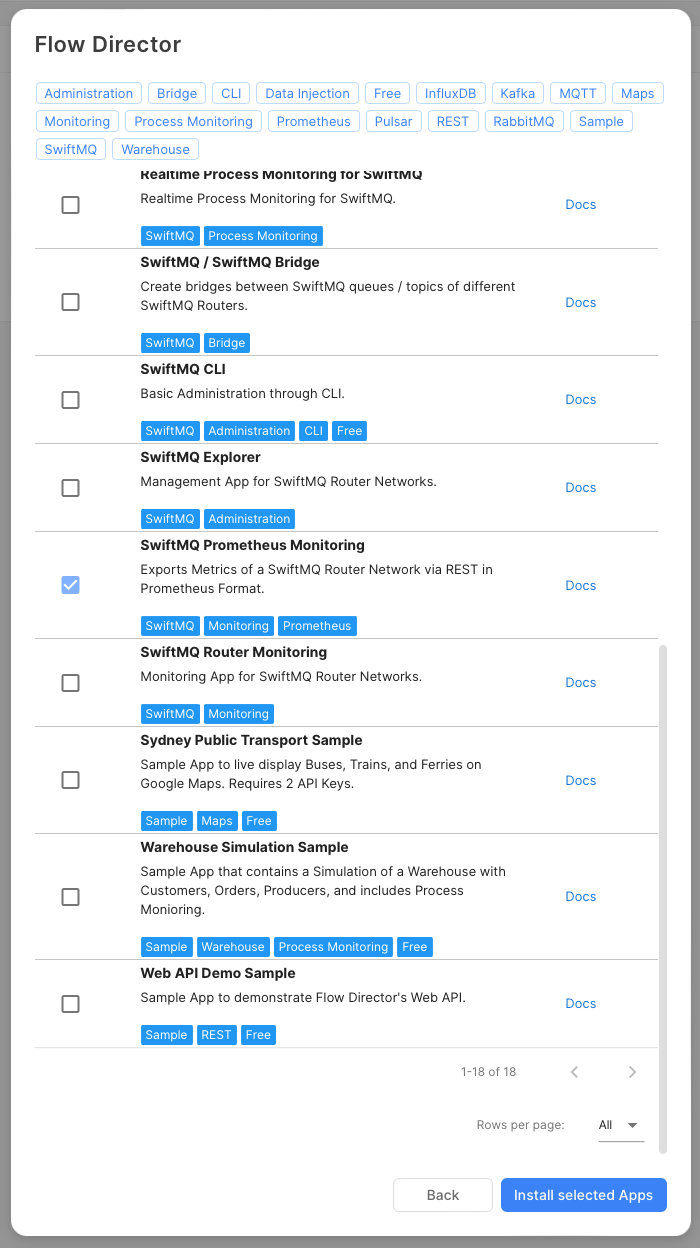
Then click on the Install selected Apps button at the lower right to install the selected app(s).
Logout from the System app after the installation has been finished.