
You can manage the REST route for inbound events in the Web API menu:
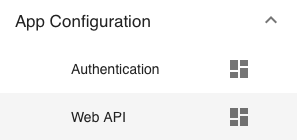
It shows a single predefined REST route to receive inbound events:

Don’t touch it except for the Authenticated check box. This defines whether access to this route requires authentication or not. Default is no authentication.
If you want an authenticated route, click on the check box and switch to tab AUTHENTICATION:

Then click on the right button to generate an API key:

Click on the key to copy it to the clip board and use it to perform POST requests to this route with Bearer authentication.