
There are 5 different ways to authenticate your REST routes. Each is different in terms of complexity and flexibility; you should choose the simplest method for your use-case.
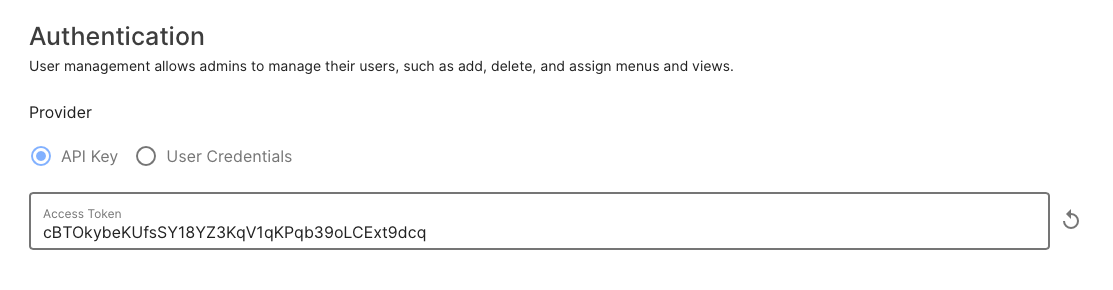
API Key
Static token to be used as a bearer token. Only the latest token is valid at any time.
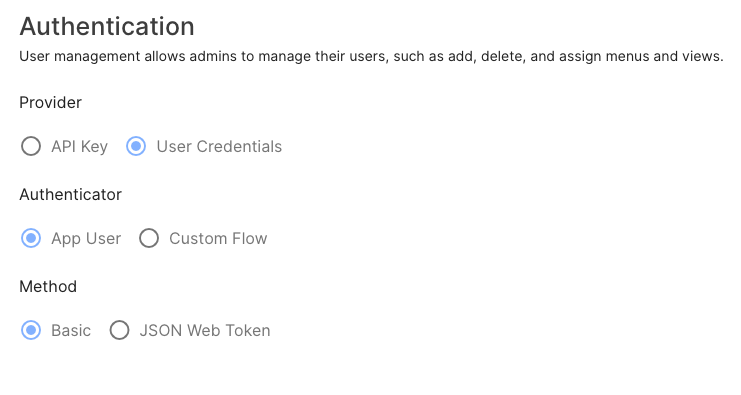
App User Credentials with Basic Auth
Use the same credentials as the Flow Director app login. Authenticated via HTTP Basic Auth.
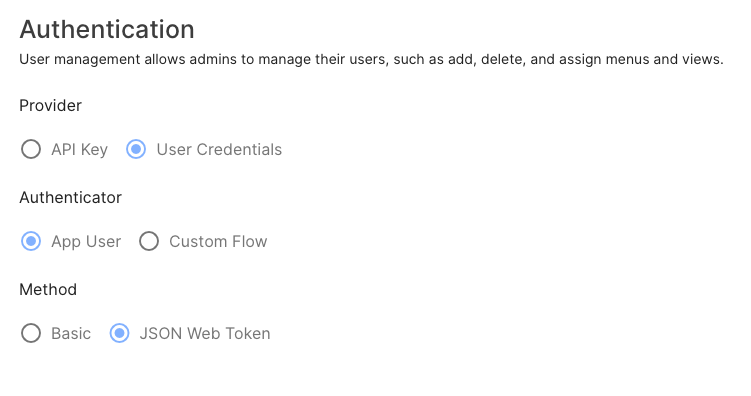
App User Credentials with JSON Web Token
Use the same credentials as the Flow Director app login. Authenticated via JWT (bearer token).
To retrieve a token, make a POST request to /api/<app>/auth/token with the body's username and password.
{
  "username": "admin",
  "password": "changeme"
}
If the credentials were correct, you would receive a token in the response.
{
    "token_type": "bearer",
    "access_token": "eyJ0eXAiOiJKV1QiLCJhbGciOiJIUzI1NiJ9.eyJ1c2VybmFtZSI6ImFkbWluIiwiaWF0IjoxNjg4ODE2NzQ0LCJleHAiOjE2ODg4MzQ3NDR9.1jMGsDILVAik6KIM2z1xqalITxiCEDYNeViSlmYvQ_M",
    "refresh_token": "eyJ0eXAiOiJKV1QiLCJhbGciOiJIUzI1NiJ9.eyJ1c2VybmFtZSI6ImFkbWluIiwidHlwZSI6InJlZnJlc2giLCJpYXQiOjE2ODg4MTY3NDQsImV4cCI6MTY5MDAyNjM0NCwic3ViIjoicmVmcmVzaCJ9.qE7LbudFYXjwb-LKWNbX3C3bAUT9iVDrfSLBmxzWCL4"
}
Include the access_token in your request to an authenticated route.
Within the request handler flow, you can access the token information under _token. Every token includes the username.
{
  "_token": {
    "username":"admin"
  }
}
Custom Flow with Basic Auth
Validate the username and password using your own custom logic, for example, against a user database.
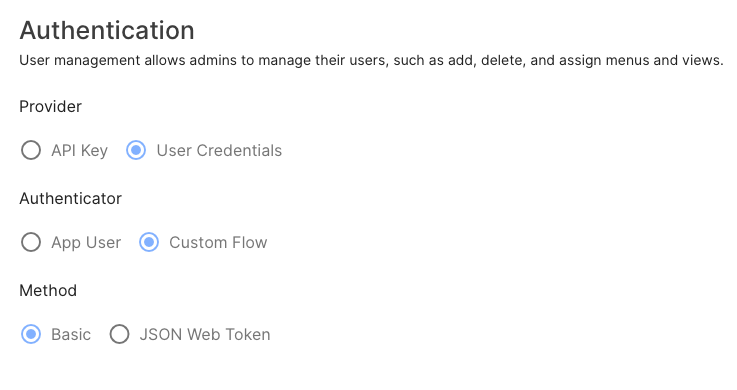
You need to validate each request. The credentials are included in the request body under _token:
{
  "_token": {
    "username":"admin",
    "password":"changeme"
  }
}
Custom Flow with JSON Web Token
This allows you to validate your own custom payload.
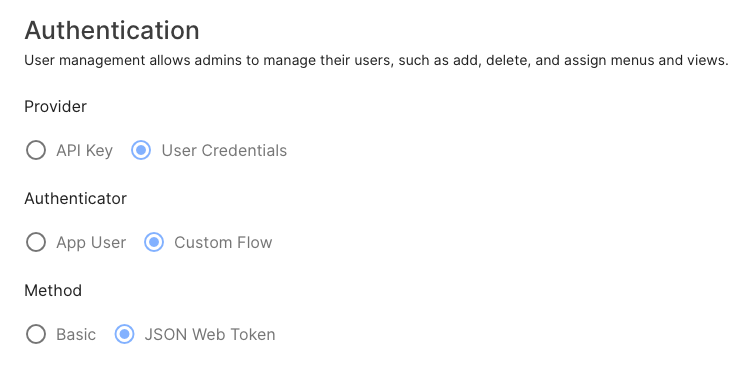
First create your auth validation flow that will listen at <app>.auth.custom.
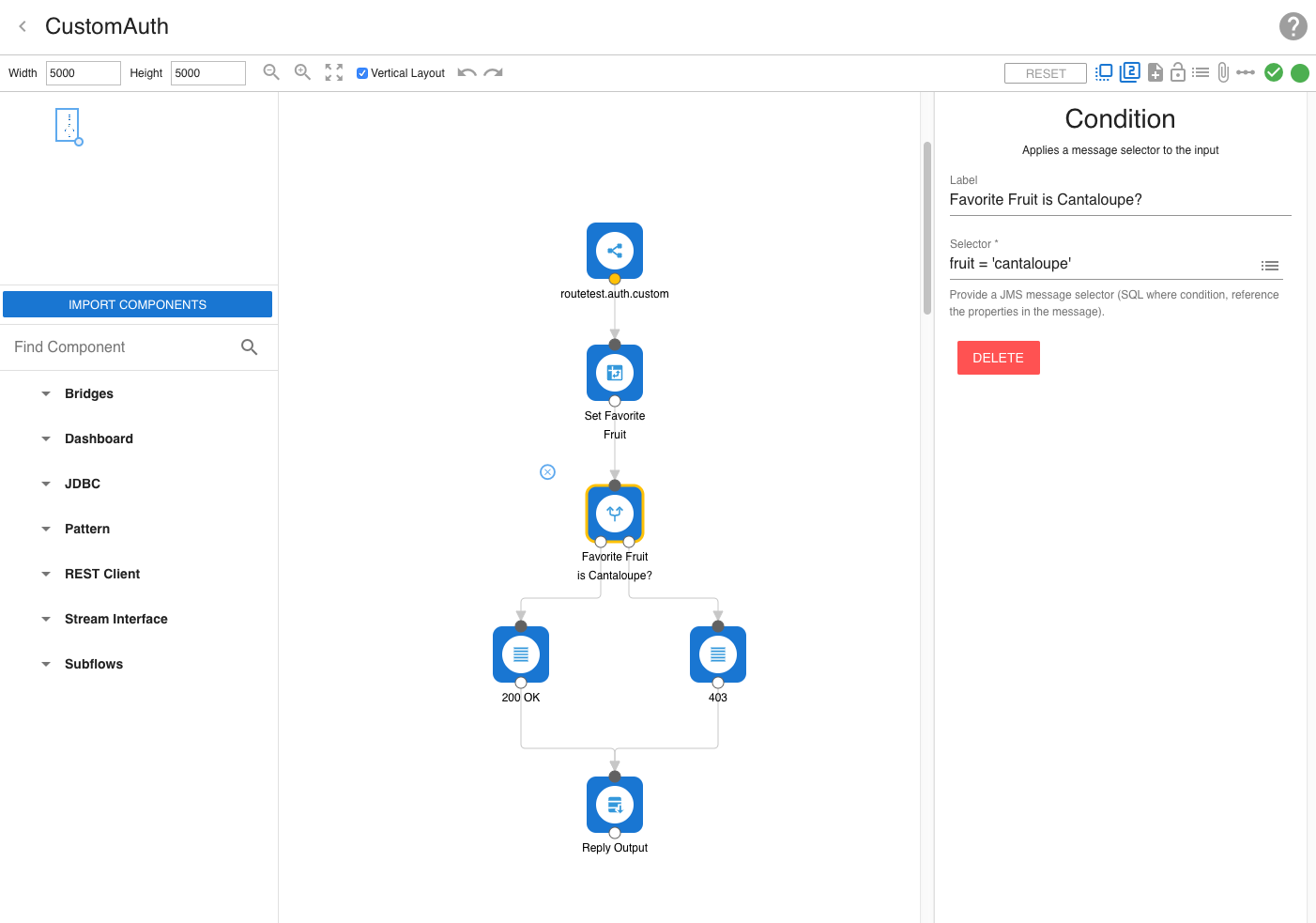
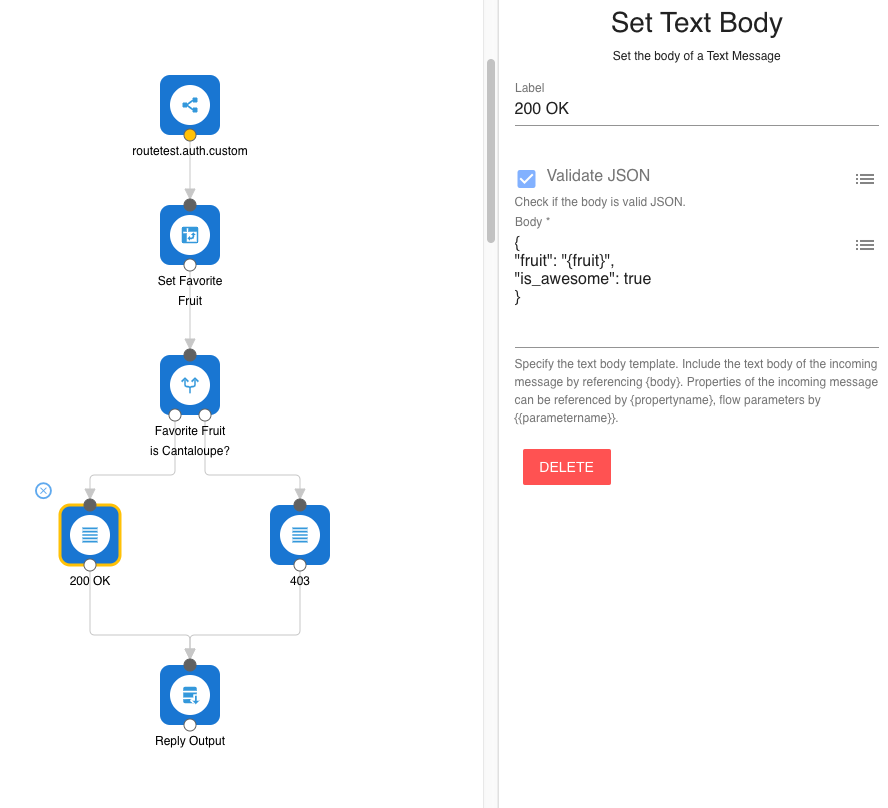
On a successful response, you can specify your custom token payload.
To get a token, make a POST request to /api/<app>/auth/token with your custom JSON body.
For the above example:
{
  "fruit": "cantaloupe"
}
This will return an access_token you can use to authenticate protected routes (bearer token).
{
    "token_type": "bearer",
    "access_token": "eyJ0eXAiOiJKV1QiLCJhbGciOiJIUzI1NiJ9.eyJ1c2VybmFtZSI6Im11ZWxsaSIsImlhdCI6MTY4ODgxOTgwOCwiZXhwIjoxNjg4ODM3ODA4fQ.MXFj36hLULmUFVlLNtD4PVuqoKzvufwS82Qm8DLsvbI",
    "refresh_token": "eyJ0eXAiOiJKV1QiLCJhbGciOiJIUzI1NiJ9.eyJ1c2VybmFtZSI6Im11ZWxsaSIsInR5cGUiOiJyZWZyZXNoIiwiaWF0IjoxNjg4ODE5ODA4LCJleHAiOjE2OTAwMjk0MDgsInN1YiI6InJlZnJlc2gifQ.EfbAkdZjVOnZKPkz8Hl577GyZ0svUqgkm6Pa099GVBI"
}
The original payload returned from the authentication flow is included within the request handler flow of the protected route.
The above token would contain the following under _token in the request body.
{
  "is_awesome" : true,
  "fruit" : "cantaloupe"
}
If a http status of 4XX is returned from the authentication flow or the protected route, the body will contain a message why the authentication failed.
An access_token can be refreshed any time before expiration (5 hours). Do do that, send a request to route api/<app/refresh_token which will return a new access_token and refresh_token.